
Secure deletion with verifiable evidence
Delete data forever.
Keep the proof.
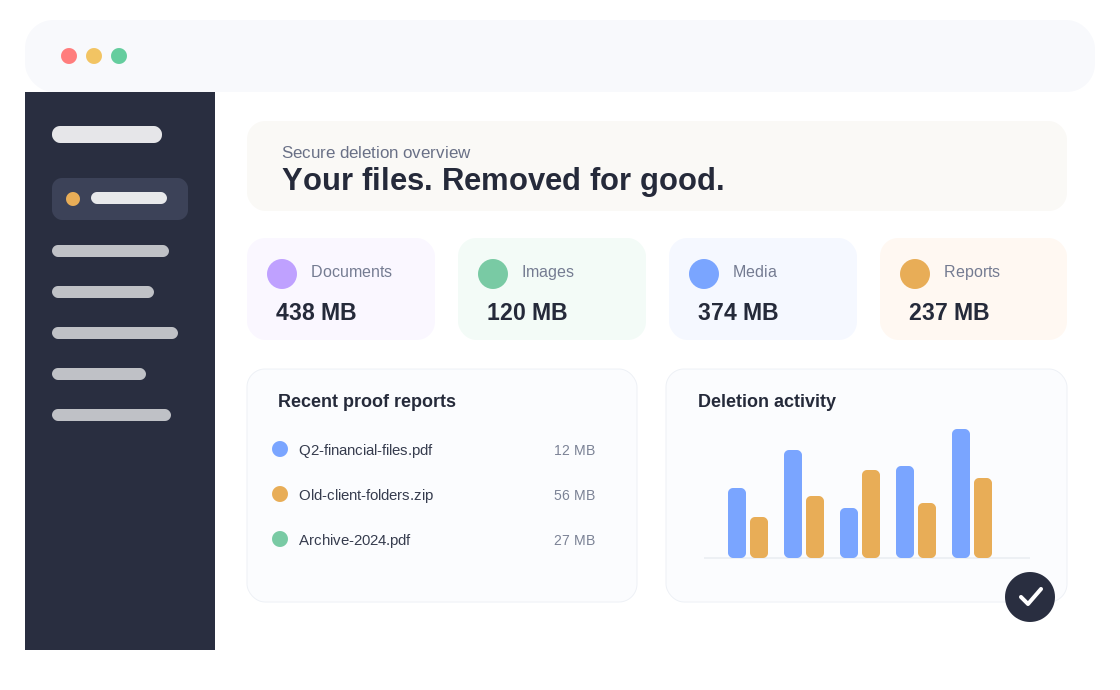
DeleteProof securely overwrites selected files and folders so they cannot be recovered, then generates a digitally signed PDF report documenting the deletion.
✓ Multi-platform
✓ Downloadable reports
✓ Secure by design
✓
Deletion verifiedSigned report generated
Questions about deployment or compliance workflows?
Talk directly with the project team.

Dan Gurghian
Data Protection Expert
Project Manager & DPO
Permanent deletion
Delete files and folders beyond recovery.
Deleting a file normally removes only its reference. DeleteProof overwrites the selected data so recovery tools cannot reconstruct the original content.
- ✓Permanent deletionSelected files and folders are securely overwritten.
- ✓No recovery pathDesigned to prevent restoration with conventional recovery tools.
- ✓Works across drive typesUse it in multi-device and mixed-storage environments.
- ✓Fast, focused workflowSelect, confirm, delete and generate proof.


Verifiable evidence
Generate a signed PDF proof of deletion.
Each completed deletion can produce a downloadable report that records what was deleted and confirms completion of the process.
DeleteProof supports operational evidence and documentation. Legal obligations still depend on the facts, applicable law and your organisation's procedures.
Key features
A simple workflow for a high-stakes task.
Everything needed to perform secure deletion and retain an auditable result.
Delete files permanently
Select individual files and complete a guided secure-deletion process.
Delete folders permanently
Process groups of files together while preserving a clear activity record.
Generate digital proof
Download a signed PDF report after the deletion process has completed.
Use on multiple devices
Choose the plan that fits a single device, a team or a wider organisation.
How it works
From selection to evidence in four steps.
Select
Choose the files or folders that need to be permanently removed.
Confirm
Review the selected data and approve the irreversible action.
Delete
DeleteProof securely overwrites the selected content.
Download proof
Save the digitally signed PDF report for your records.
Transparent pricing
Start free. Upgrade when you need more devices.
A free plan for individual use and an unlimited plan for companies and professional teams.
Individual use
Free
$0/month
For freelancers and users who need DeleteProof on one selected device.
- ✓ Multi-platform access
- ✓ Digital proof of deletion
- ✓ Secure connection
- ✓ Downloadable reports
- — Unlimited devices
- — Priority support
Recommended
Business use
Unlimited
$9/month
For companies of any size that need flexible deployment and support.
- ✓ Multi-platform access
- ✓ Digital proof of deletion
- ✓ Secure connection
- ✓ Downloadable reports
- ✓ Unlimited devices
- ✓ Priority support
Prices shown in USD. Taxes and billing terms may vary by customer location and final checkout configuration.
Frequently asked questions
What teams usually ask before getting started.
For deployment, procurement or privacy workflow questions, contact the project team directly.
Is deletion reversible?
No. Secure deletion is intended to be irreversible. Users should review their selection carefully before confirming the action.
What does the PDF proof contain?
The report documents the completed deletion event and can be saved with internal case records. Exact report fields depend on the application configuration.
Can companies use it on multiple devices?
Yes. The Unlimited plan is designed for organisations that need broader deployment across devices.
Does the report automatically guarantee legal compliance?
No single application guarantees compliance by itself. The report can support accountability and evidence within a properly designed organisational process.
Contact us
Technical, sales or deployment question?
Send us a message and we will discuss the right DeleteProof setup for your needs.